
Documentation

30 elements that take Avada further.

Fancy Elements is a single master plugin that extends Avada with ready-made building blocks: interactive tables, lazy-loaded media, engagement overlays, local business listings, structured data, and privacy-honest utilities. One install, one update path, one shared design system.

30 elements

WordPress 6.0+

PHP 7.4+

Avada + Avada Builder
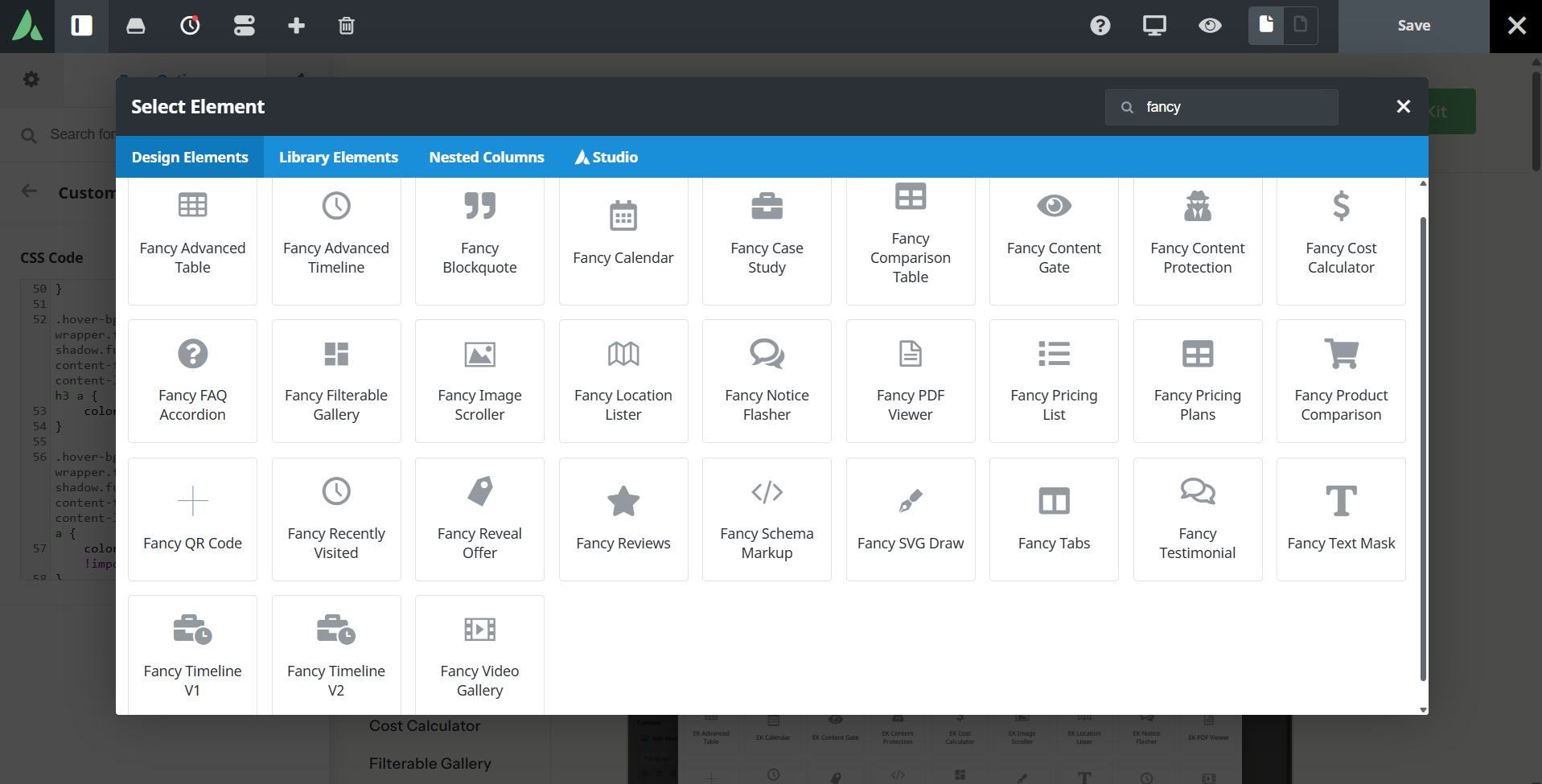
Fancy Elements in the Avada Builder element picker

What it is

Every element appears in the builder under the Fancy Elements category with a Fancy prefix in its name. Site owners drag elements onto pages exactly the way they use native Avada elements.

The Elements is built for performance-conscious sites that still want rich layouts: video facades that load zero iframes until click, PDF.js viewers that initialize only near the viewport, and assets that enqueue only when an element actually renders on the page.

Performance first

Assets enqueue only when an element renders. Optional per-page CSS and JS combining, off by default.

Native to Avada

Avada’s element enable/disable system, Conditional Rendering on every element, Dynamic Data, and Live builder support.

Honest by design

Real purchase and review data only, browser-only visit history, and gates that never pretend to be security.

Who it is for

Avada site owners and agencies

Specialized layouts without custom code or a stack of separate mini-plugins.

Marketing and content teams

Landing pages, portfolios, pricing tables, event calendars, and lead-capture flows built inside Avada Builder.

Local and service businesses

Live Open/Closed location cards, click-to-call and WhatsApp buttons, QR codes, and estimates in your own currency.

WooCommerce stores

Honest social-proof toasts, coupon reveal blocks, and optional Woo coupon integration without fake urgency.

Privacy-conscious publishers

Recently visited pages tracked in the visitor’s browser only, never on the server.

Elements at a glance 30 elements

Free

Stylish quote blocks with customizable layouts, author details, and accent styling for highlighted quotations.

Pro

Structured case study layouts showcasing project challenges, solutions, key results, and client success stories.

Pro

Expandable FAQ sections with clickable questions and answers for organized, user-friendly content.

Pro

Clean pricing layouts displaying products or services, feature lists, prices, and highlighted offers.

Pro

Side-by-side product comparisons featuring key features, specifications, pricing, and differences at a glance.

Pro

Review displays highlighting customer feedback, ratings, and review details in an organized layout.

Free

Interactive tabbed content panels that organize information into switchable sections without cluttering the page.

Free

Attractive testimonial layouts featuring customer quotes, names, profile images, and supporting details.

Shared platform features

Behaviour that applies across multiple elements, so what you learn on one page carries to the next.

Responsive outer spacing

Margin and padding per breakpoint on the Design tab, scoped per element instance. Schema Markup and Content Protection are excluded because they have no visible frontend root. Notice Flasher applies margin as corner offset and padding on the toast card.

Responsive grid columns

Columns exposed for large, medium, and small breakpoints via Avada’s native responsive params. Shipped on Location Lister (grid), Video Gallery (grid), and Calendar. Filterable Gallery has its own equivalent control; Recently Visited uses a simpler 1–4 range.

Performance options

Fancy Elements → Performance offers per-page CSS combine, JS combine, and JS defer, and all three are off by default. Combining only bundles assets for elements present on the current page, never a site-wide master file.

Conditional rendering

Every element supports Avada’s Extras tab Conditional Rendering, which shows or hides an element based on logged-in state, user role, and other Avada logic conditions.

Dynamic Data

Many elements opt specific fields into Avada’s Dynamic Data UI, pulling from post meta, ACF fields, featured images, and other supported sources. Dynamic values are sanitized and escaped like manually typed ones.

Live Builder support

Nearly all elements work in both the backend wireframe builder and Avada Live. Advanced Table uses Tier 3 inline editing; parent/child elements ship custom Live parent views so child item panels stay open while editing.

Requirements

WordPress

6.0 or newer

PHP

7.4 or newer

Theme

Avada + Avada Builder